
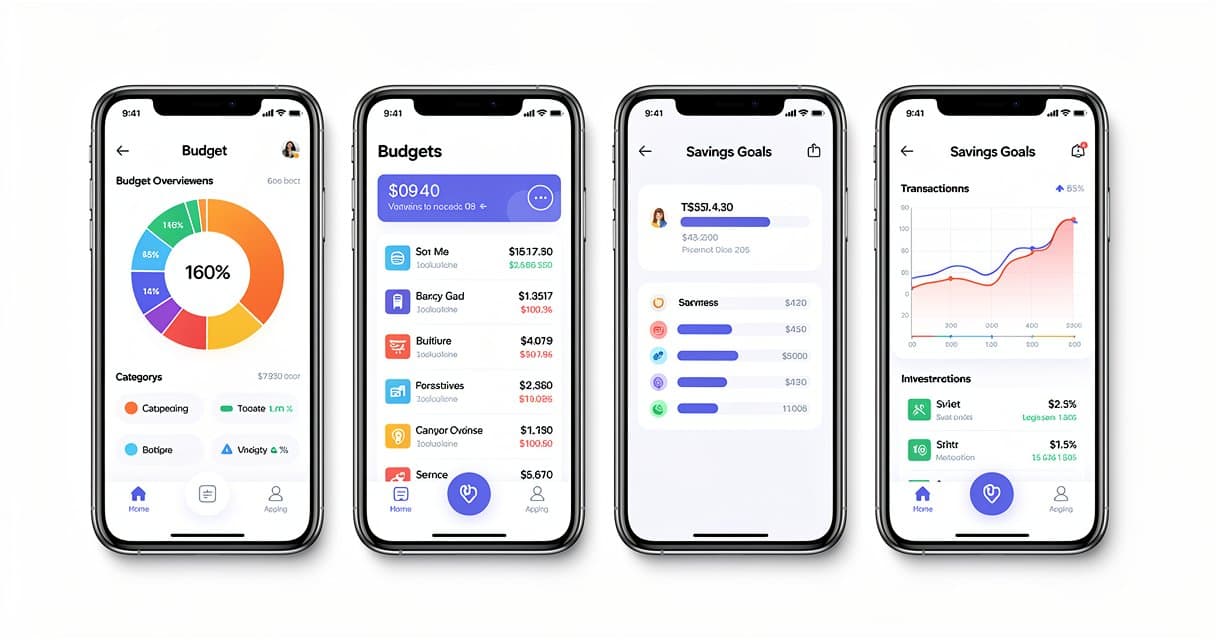
5 Best Copilot Money Alternatives for 2026
Copilot Money shut down its web app in late 2025 and went iOS-only. If you relied on the desktop version, or you're on Android, or you just want something that works differently, you need an alternative.
I tested a dozen personal finance tools over the past month. Here are the 5 worth your time, ranked by what they actually do well.
Why People Leave Copilot Money
Before the alternatives, here's what drives people away from Copilot:
- iOS only — no Android, no web app anymore
- $15/month (or $100/year) — expensive for a budgeting app
- Bank connection issues — Plaid disconnects happen frequently
- No data export — getting your transactions out is painful
- Limited customization — categories are rigid
The last point bothers me most. If I can't export my data into a spreadsheet and slice it how I want, the tool is limiting me.
The 5 Best Alternatives
1. ConvertBankToExcel + Google Sheets (Best for Control)
This isn't a budgeting app. It's a different approach entirely.
Instead of linking your bank account to yet another third-party service, you download your bank statement as a PDF and convert it to CSV or Excel. Then you own the data in a spreadsheet and can track, categorize, and analyze however you want.
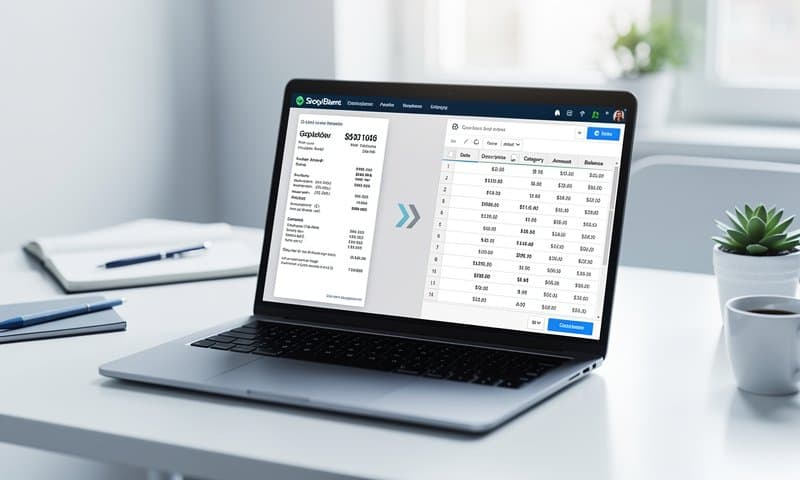
What I like:
- Works with any bank worldwide (200+ banks tested)
- No bank login sharing — you just upload a PDF
- Full control over your data in Excel or Google Sheets
- Convert to CSV, Excel, QBO, OFX, or JSON
- Free tier available, no subscription required for basic use
Best for: People who want full control over their financial data without giving bank credentials to a third-party app.
Pricing: Free for basic conversions. Paid plans start at $9.90/month for higher volume.
Try it free — upload a statement and see your data in 90 seconds.
2. Monarch Money (Best Full-Featured App)
Monarch is the closest direct replacement for Copilot. It connects to your bank, auto-categorizes transactions, and has solid budgeting tools.
What I like:
- Available on iOS, Android, and web
- Joint account support for couples
- Investment tracking alongside spending
- Clean interface that feels modern
Drawbacks:
- $15/month (same as Copilot)
- Still relies on Plaid for bank connections
- No free tier — 7-day trial only
Best for: Copilot users who want the same experience on more platforms.
3. YNAB (Best for Budgeting)
You Need A Budget has been around forever, and for good reason. Their zero-based budgeting method works. Every dollar gets assigned a job.
What I like:
- Proven budgeting methodology
- Excellent educational content
- Active community and support
- Bank syncing or manual entry (your choice)
Drawbacks:
- $15/month or $109/year
- Learning curve is steep
- The philosophy might feel restrictive if you just want tracking
Best for: People who need help controlling spending, not just tracking it.
4. Lunch Money (Best for Tech-Savvy Users)
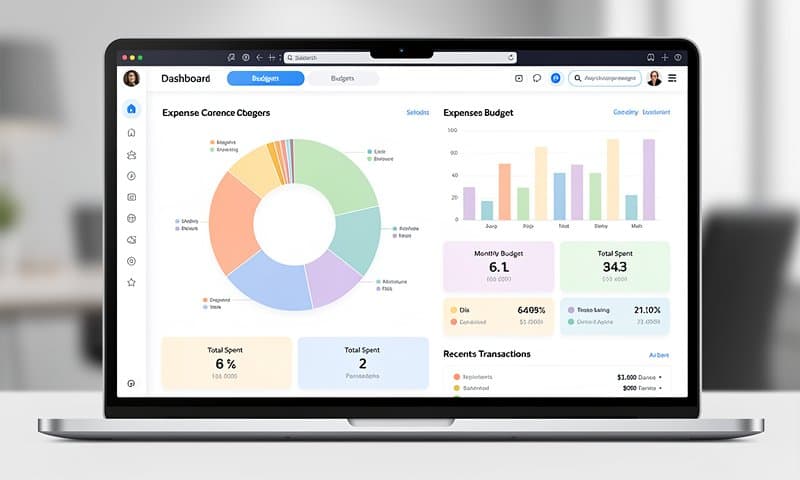
Lunch Money is made by a solo developer and it shows — in a good way. Fast, no bloat, built for people who like data.
What I like:
- CSV import works great (pair with ConvertBankToExcel for PDFs)
- Developer API for automation
- Multi-currency support
- Rule-based auto-categorization
- Crypto tracking
Drawbacks:
- $10/month
- Interface is minimal (pro or con depending on taste)
- Smaller community than YNAB or Monarch
Best for: Developers and data-oriented people who want a lightweight tracker.
5. Actual Budget (Best Free Option)
Actual is open-source budgeting software you can self-host or use their hosted service. It's basically a free YNAB.
What I like:
- Free and open source
- Self-hostable (your data stays on your server)
- Envelope budgeting like YNAB
- Fast local-first sync
- Active development community
Drawbacks:
- Self-hosting requires technical knowledge
- Bank sync costs extra ($4/month via GoCardless)
- Mobile app is basic compared to Copilot
- Manual CSV import for most banks
Best for: Tech-savvy users who want YNAB-style budgeting without the subscription.
Quick Comparison Table
| Tool | Price | Platforms | Bank Sync | Data Export | Best For |
|---|---|---|---|---|---|
| ConvertBankToExcel | Free / $9.90 | Web | No (PDF upload) | CSV, Excel, QBO, OFX | Full data control |
| Monarch | $15/mo | iOS, Android, Web | Yes | CSV | Copilot replacement |
| YNAB | $15/mo | iOS, Android, Web | Yes | CSV | Strict budgeting |
| Lunch Money | $10/mo | Web | Yes | CSV | Tech users |
| Actual | Free | Web, Desktop | Optional ($4) | JSON | Self-hosters |
Which Should You Pick?
If you want a direct Copilot replacement: Go with Monarch. Similar look, works everywhere.
If you want to own your data completely: Use ConvertBankToExcel to convert your statements to spreadsheets. Pair it with Google Sheets or Actual for budgeting.
If you need strict budgeting discipline: YNAB's method works. The price is worth it if you actually follow the system.
If you're a developer: Lunch Money's API and rule system will make you happy.
If you want free: Actual Budget is surprisingly capable for open-source software.
My setup: I convert my statements monthly with ConvertBankToExcel and track everything in Google Sheets. Total cost: zero. Total control: absolute.