
![Bank Statement to OFX, QBO, Excel [2026]](/_next/image?url=https%3A%2F%2Fconvertbanktoexcel.com%2Fapi%2Fuploads%2Fimages%2F1769748986538-3d0a4773.png&w=1920&q=75)
Bank Statement to OFX, QBO, Excel [2026]
Need to convert bank statements but not sure which format to choose? Here's how to pick the right format for your needs.
The Three Main Formats
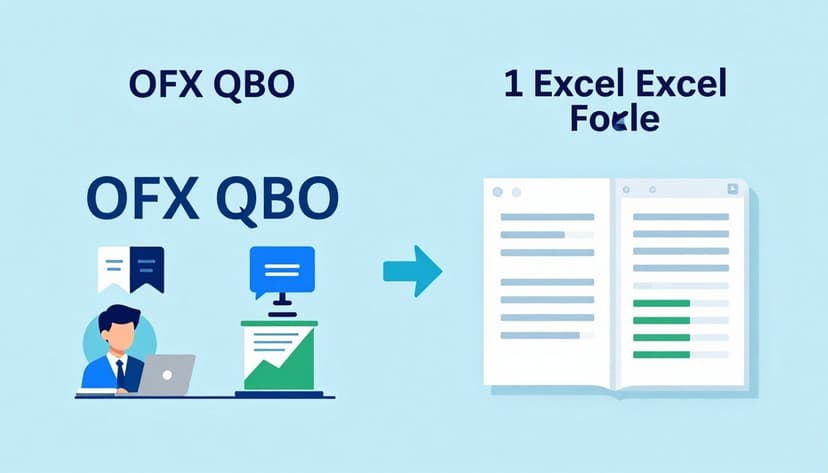
OFX (Open Financial Exchange) - Best for importing into accounting software like QuickBooks, Quicken, and Microsoft Money. Maintains transaction data integrity.
QBO (Bank Feeds) - QuickBooks Online proprietary format. Direct import for QBO users, but won't work with other software.
Excel/CSV - Best for analysis, custom reports, and data manipulation. Works with spreadsheets, accounting systems, and data tools.
Which Format Should You Use?
Choose OFX if:
- You use QuickBooks Desktop, Quicken, or Microsoft Money
- You need to import transactions regularly
- You want automatic reconciliation
Choose QBO if:
- You use QuickBooks Online exclusively
- You want the simplest import process
- You don't need compatibility with other software
Choose Excel if:
- You need to analyze or manipulate data
- You use accounting software that imports CSV
- You want to create custom reports
- You need to share data with your accountant
Converting Between Formats
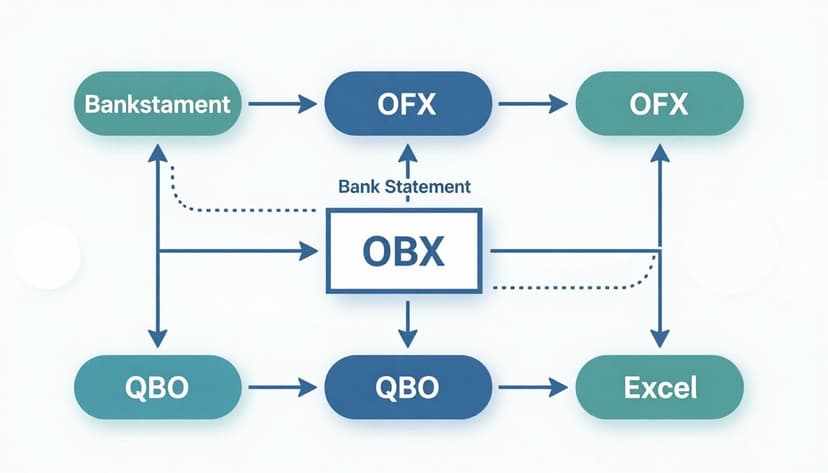
Most bank statements start as PDF. You can convert to any of these formats using online converters:
- Upload your PDF bank statement
- Select your target format (OFX, QBO, or Excel)
- Download the converted file
- Import into your software
Upload your statement now and convert to any format.
Quick Format Comparison
| Feature | OFX | QBO | Excel |
|---|---|---|---|
| QuickBooks Desktop | ✅ | ❌ | ⚠️ |
| QuickBooks Online | ⚠️ | ✅ | ✅ |
| Quicken | ✅ | ❌ | ⚠️ |
| Excel/Sheets | ❌ | ❌ | ✅ |
| Data Analysis | ⚠️ | ❌ | ✅ |
| Automatic Import | ✅ | ✅ | ❌ |
⚠️ = Possible with additional steps
Bottom Line
For most accounting software imports, OFX is the universal choice. If you're exclusively using QuickBooks Online, QBO offers the smoothest experience. For analysis and flexibility, Excel is unbeatable.
Try our free converter - supports OFX, QBO, Excel, and CSV formats.