
ConvertBankToExcel Insights
Expert insights on financial automation, best practices, and industry trends to help you streamline your financial workflows
Upload Bank Statements to QuickBooks Online
Use QuickBooks Online PDF or transaction-file uploads, map CSV dates and amounts, and review duplicates before matching and reconciliation.
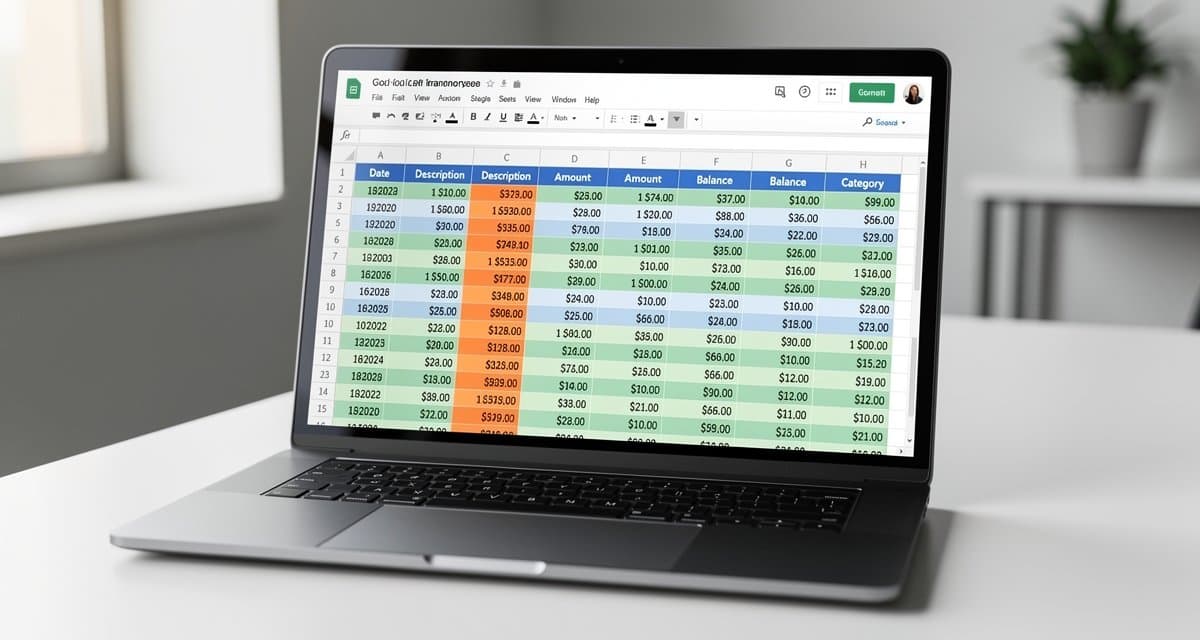
Import Bank Statements into Google Sheets Safely
Move bank transaction CSV or XLSX files into Google Sheets, control locale and separators, and check dates, signs, references, and totals.
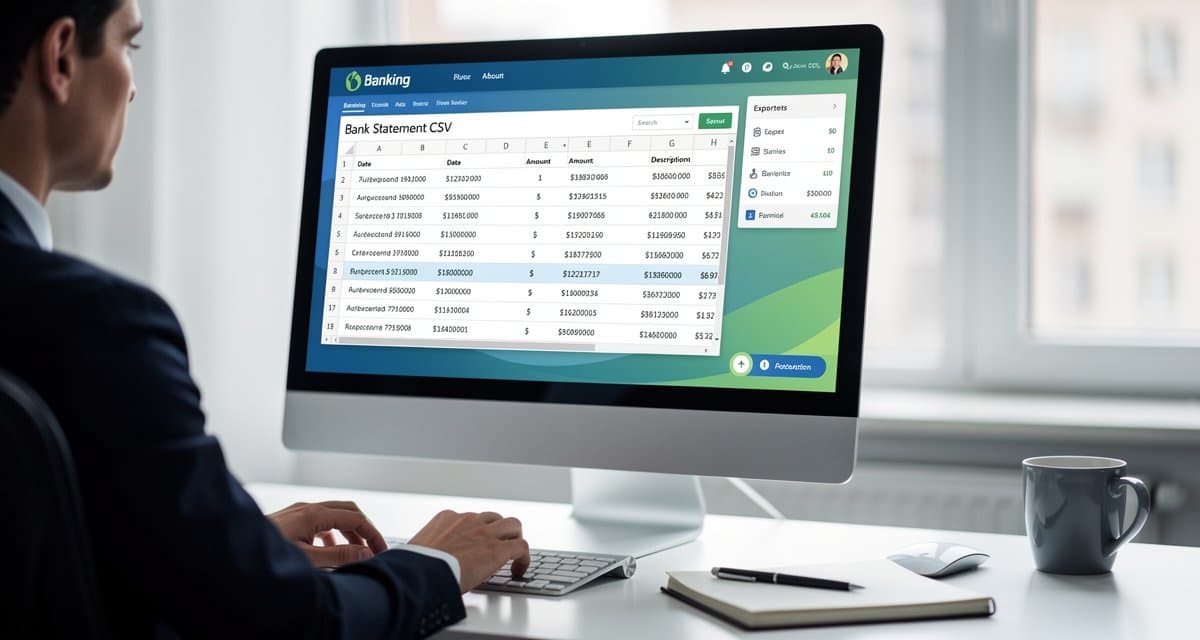
Bank Statement to CSV: Free Methods and Checks
Turn bank statement PDFs into CSV with native exports or free local tools. Learn date, amount, and quality checks before importing.
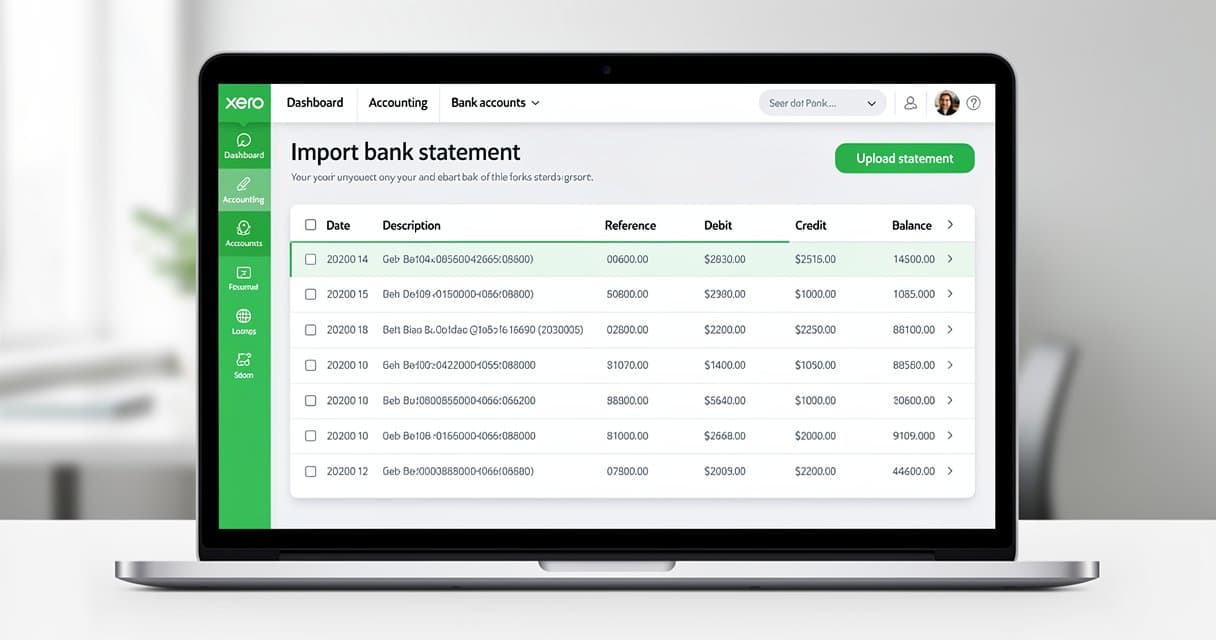
Import Bank Statements into Xero: CSV and OFX
Prepare and import bank statement data into Xero with correct dates, signed amounts, account selection, and duplicate checks. Follow the guide.

OFX vs QBO vs IIF: Choose the Right Import File
Compare bank-feed and ledger import workflows for Xero and QuickBooks. Choose OFX, QBO, IIF, or CSV without assuming file compatibility.
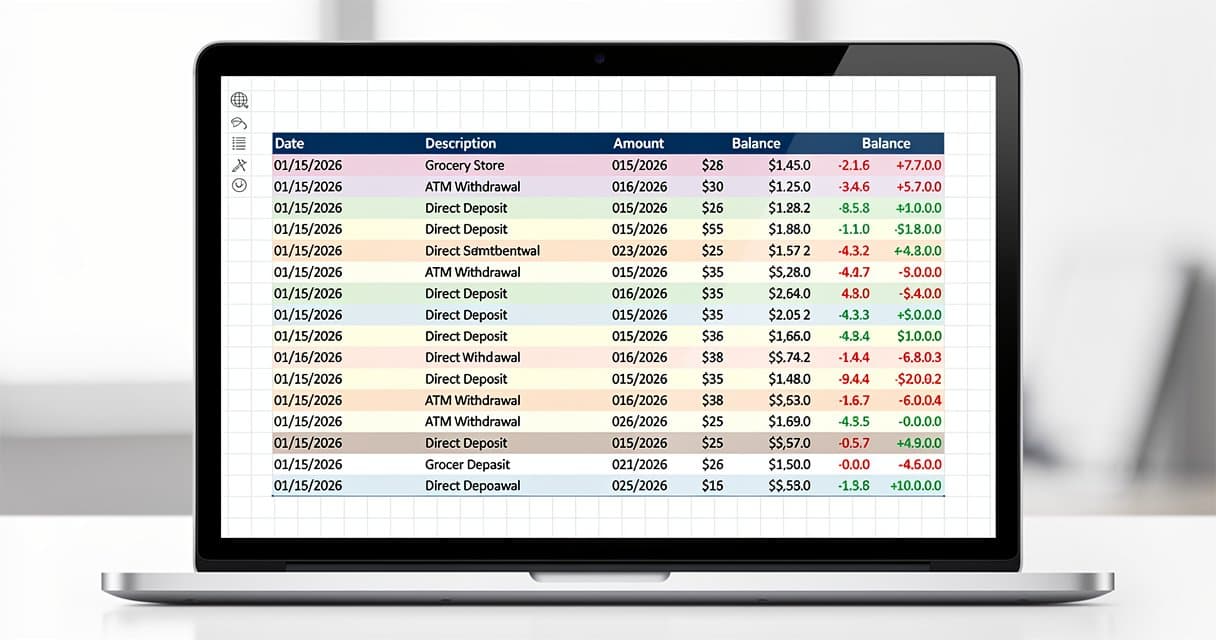
Bank Statement CSV to Excel Without Type Errors
Import bank CSV files into Excel while preserving references, dates, and amount signs. Build a checked XLSX workbook from the original data.
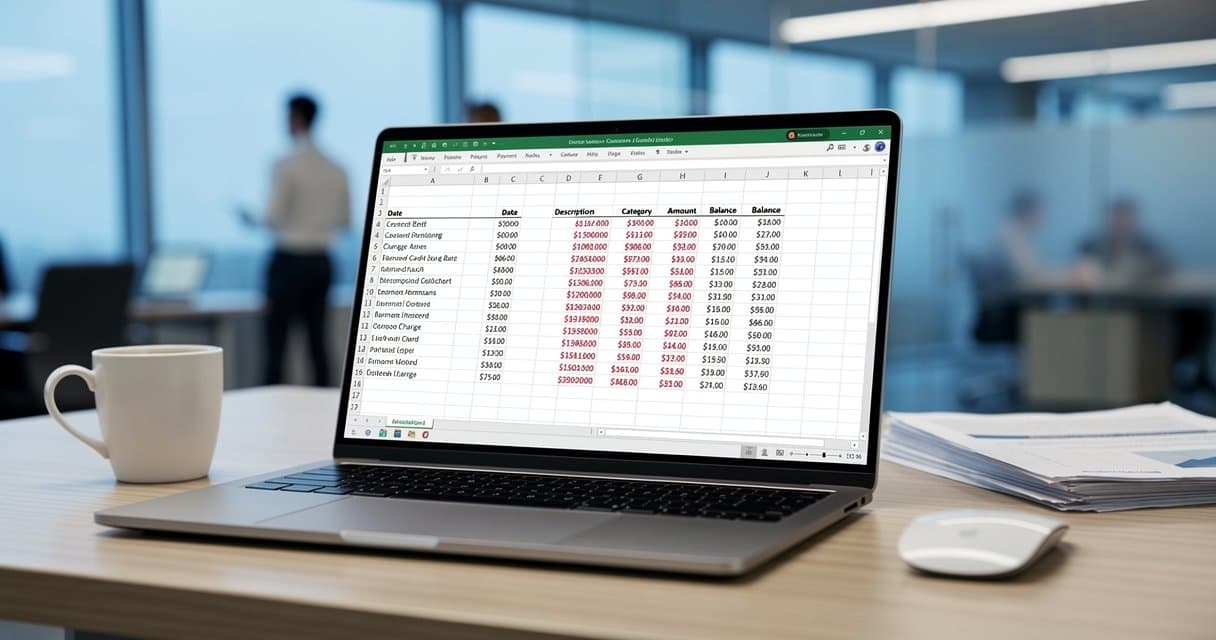
Convert Credit Card Statements to Excel Correctly
Build a checked Excel table from card statements, preserving posting dates, purchases, refunds, payments, and foreign-currency detail.
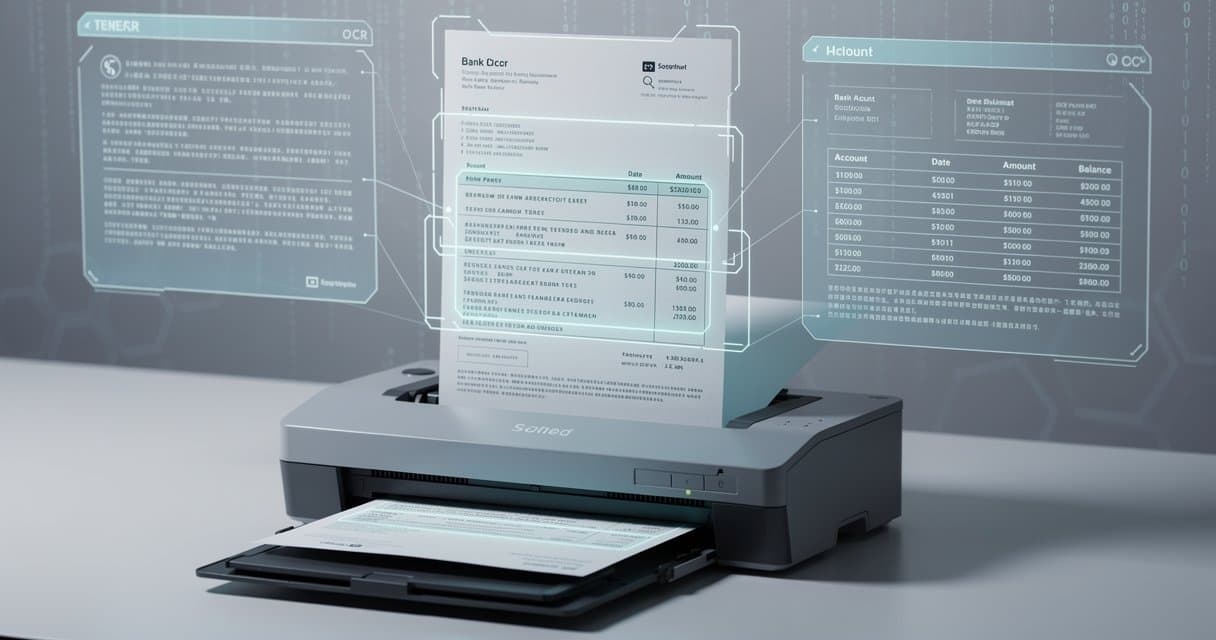
Scan Bank Statements into Excel: Capture and QA
Prepare clear statement scans, extract transaction rows into Excel, and verify dates, signs, page coverage, and balances without guessing.